How To Compare Multiple Copies
A side-by-side routine for picking the strongest copy before buying or submitting.
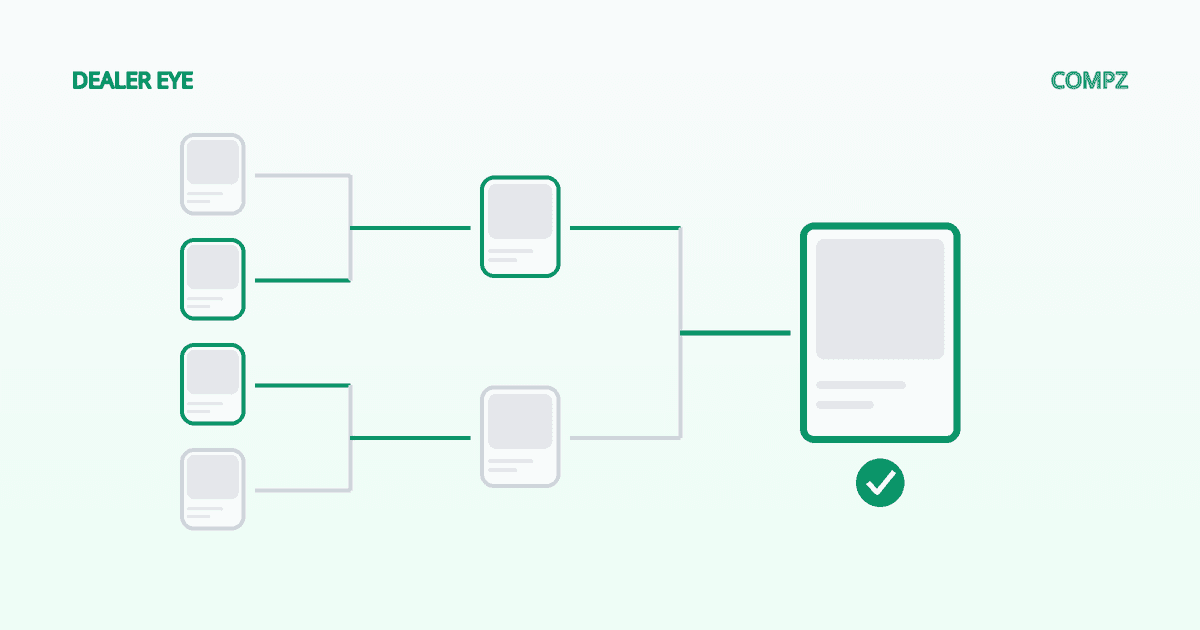
Short answer: compare copies side by side, under the same light, one attribute at a time — centering, then corners, then edges, then surface — and eliminate instead of scoring. You're not asking “is this card good?” You're asking “which of these is the best copy?”
Not all copies are equal explains why the copy matters as much as the card. This guide is the how: a repeatable routine for picking the strongest copy from a stack, a dealer's case, or a set of listing photos.
Set up before you look
- One bright lamp you can angle. Overhead room light hides surface problems.
- A loupe or phone macro for corners.
- A clean, dark surface so edges stand out.
- All the copies at once. Comparing a card in your hand against one you remember doesn't work — flaws show up in contrast.
Check in this order
- 1Centering, front and back. It's the easiest flaw to see and the one you can't fix or hide. Compare border widths left-to-right and top-to-bottom. PSA publishes the centering tolerances for each grade in its grading standards; know the number for the grade you're aiming at.
- 2Corners. Under magnification, look for softness, fraying or a dented tip. Check all four on both sides.
- 3Edges. Look for whitening and chipping, especially on the back and on cards with dark borders, where any wear shows.
- 4Surface. Tilt each card slowly under the angled lamp. Scratches, print lines, dimples and roller marks appear as streaks or dents in the reflection.
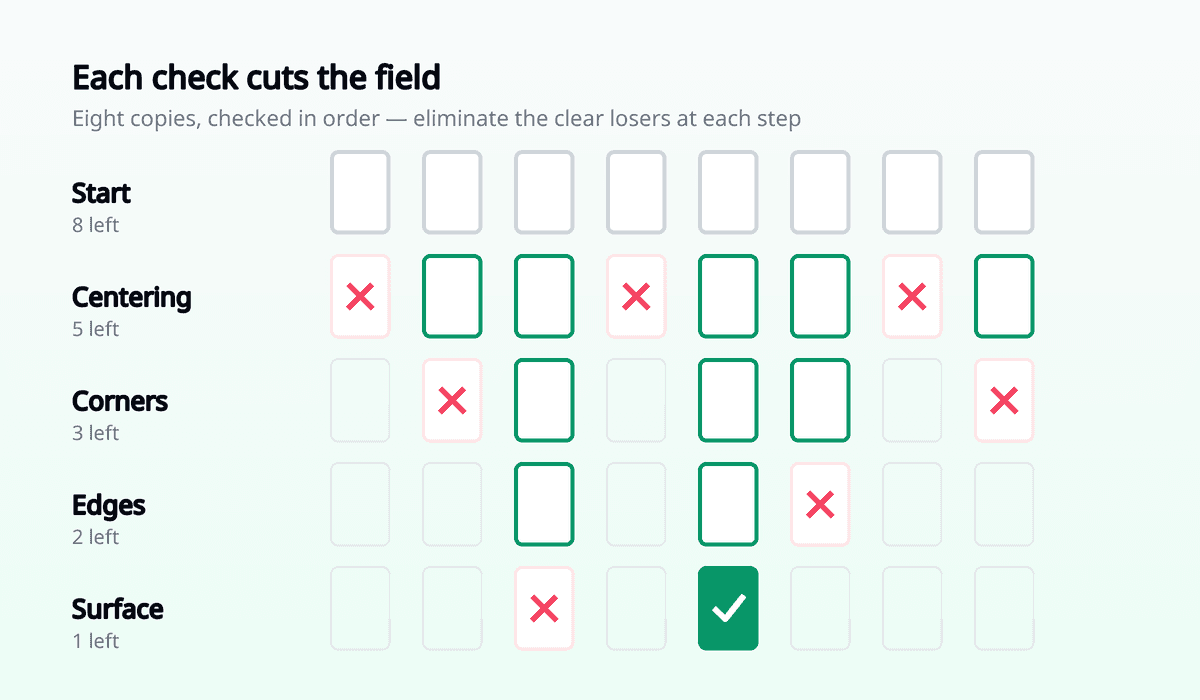
Go in that order because each step cuts the field. Copies that fail centering don't need a surface inspection.
Eliminate, don't score
Giving each copy a number from 1 to 10 invites you to talk yourself into a card. Instead, put two copies next to each other and drop the weaker one. Keep going until one is left. If two copies are genuinely tied, move to the next attribute.
| Copy | Centering | Corners | Edges | Surface | Keep? |
|---|---|---|---|---|---|
| #1 | |||||
| #2 | |||||
| #3 |
Comparing copies online
- Ask for straight-on photos of the front and back. Angled shots hide centering.
- Ask for a photo under angled light. Flat scans hide surface damage almost completely.
- Treat what you can't see as a risk you're paying for. A copy you can't inspect deserves a lower price, not the benefit of the doubt.
- Compare the listing photos to each other, not to a picture of a perfect card.
Write down why you picked it
Note what made the winner the winner. When the grade comes back, you'll learn which calls you got right — and over a few submissions, your eye gets sharper in a way no guide can teach. A Compz desk records what you expected and what came back for each card you track.
The best copy isn't the one with no flaws.
It's the one whose flaws are smallest compared to every other copy you could have sent.
Once you've picked a copy, make sure the card is worth sending at all with the submission checklist.
Log the copy you chose and what you expect it to grade, then compare when it comes back.
Track your picks on the Grading Desk